- role
- Product, business rules, specs, design, development.
- period
- October 2026 · built in two days, Oct 11–12
- platform
- Web, installable on a phone, a single user
- stack
- Next.js 16, Tailwind v4, shadcn/ui · Drizzle, Neon · Better Auth · Vercel Blob, Resend, react-pdf · Claude API
- in numbers
- 42 commits, ~25,000 lines of TypeScript, 306 unit tests, 84 end-to-end journeys, 47 recorded decisions
01 · context
One tool instead of five
In October 2026, I left my position as front-end lead to become a freelance front-end engineer, as a French micro-entrepreneur, just as I was leaving for a year in Latin America. I needed a single place to know where I stand, usable from a computer as well as from a phone, with a network or barely any.
What I wanted to keep track of: the revenue collected and what is left under the ceilings, the contributions to set aside, the URSSAF (French social security) and tax deadlines reminded in my calendar, clean invoices made from what I actually delivered, the leads that came through the form on my site, regular contact with my clients, and my documents in one place.
Four principles
- Compute rather than type.
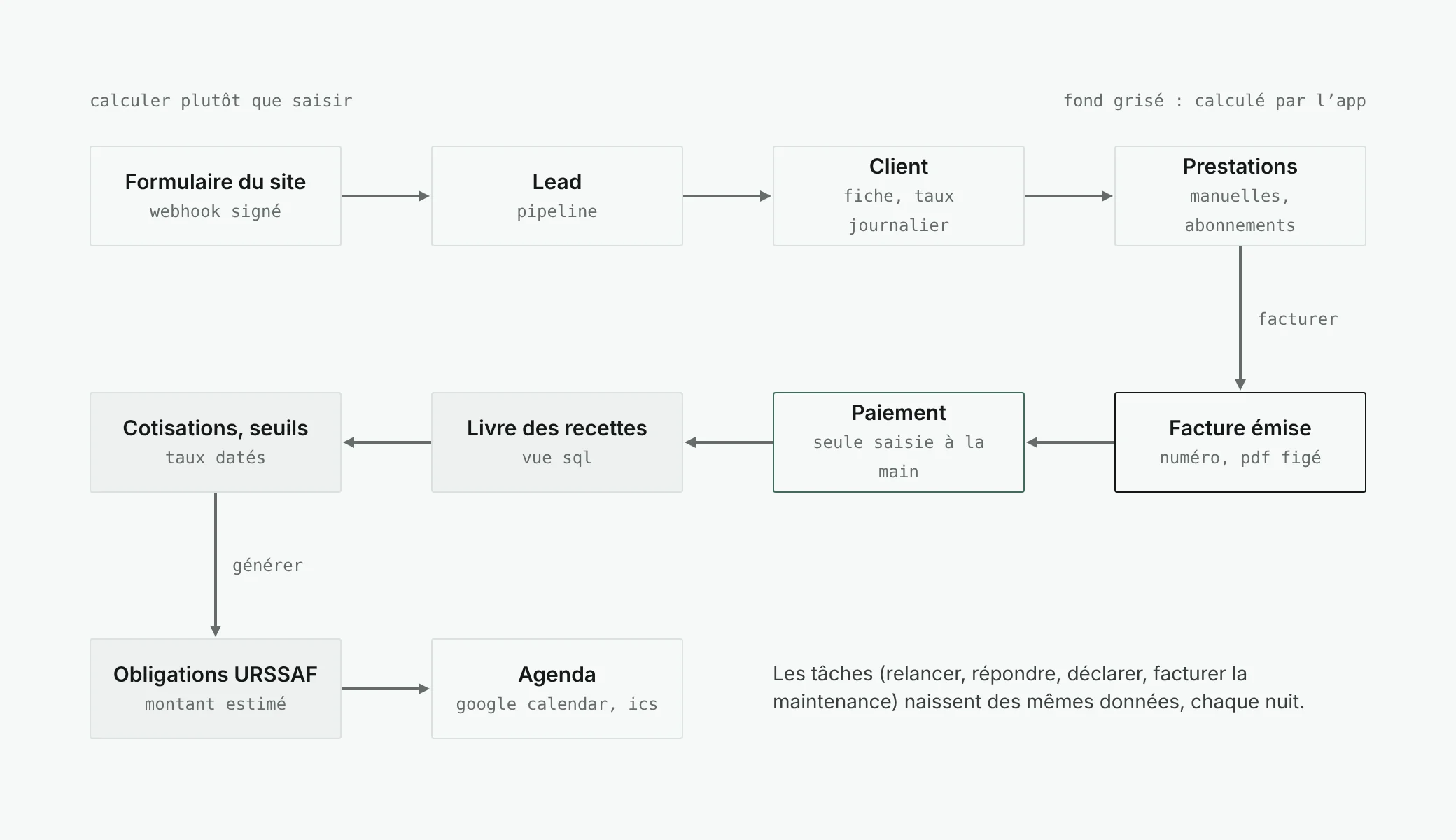
The revenue ledger comes from payments, contributions from the ledger, deadlines from my status, tasks from rules.
- Suggest, do not decide.
Reminders, amounts to declare, suggestions to clients: the app prepares, I approve.
- The exact figure, the rule in sight.
Every computed amount shows its base and its rate.
- Restraint.
My visual identity, without exception: one font, one accent, no red. An alert is written in bold.
I am not an accountant, and lotus does not replace advice. The rates and thresholds it applies are dated and sourced, and the uncertain points remain editable in the interface.
02 · product
What the app does
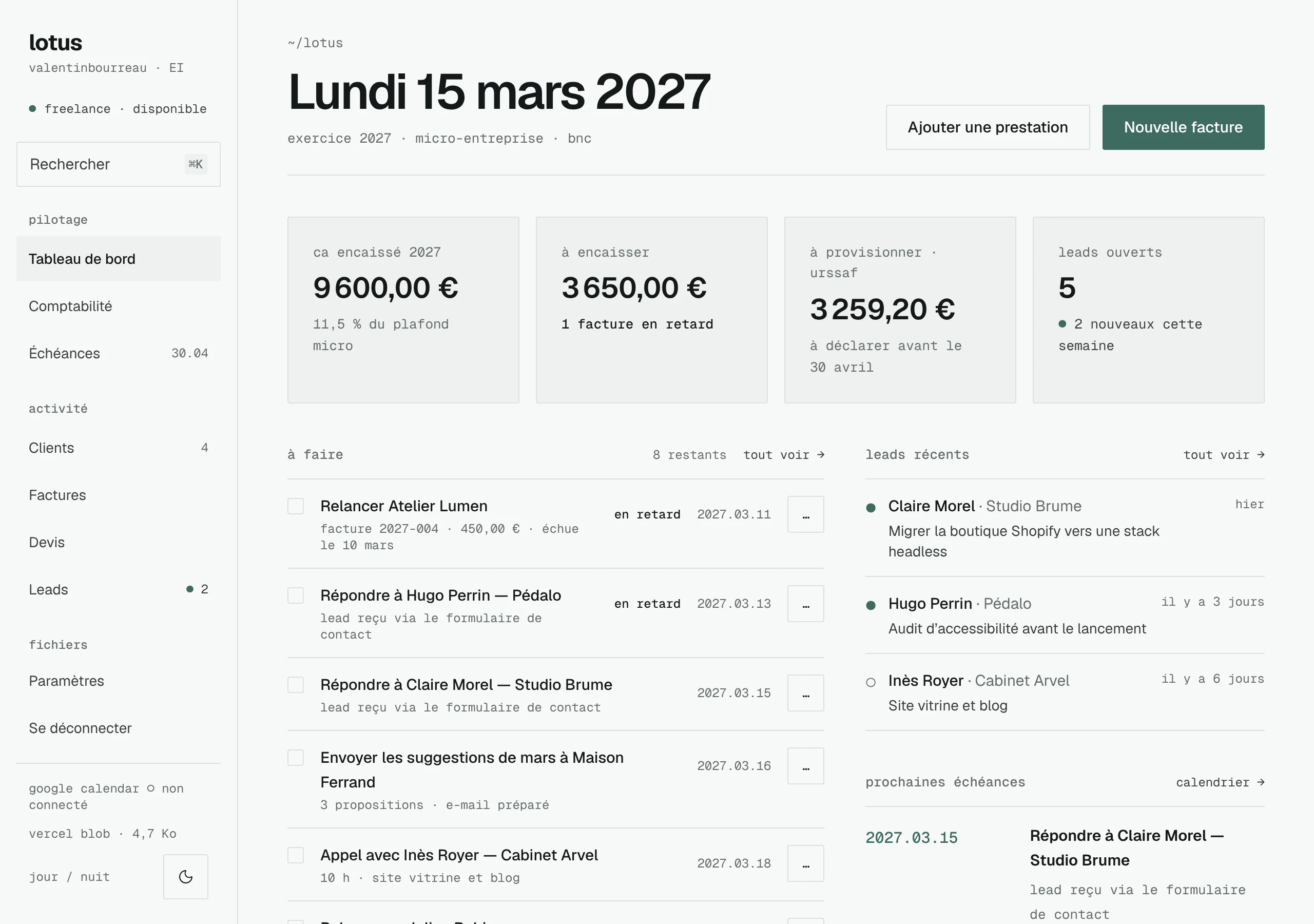
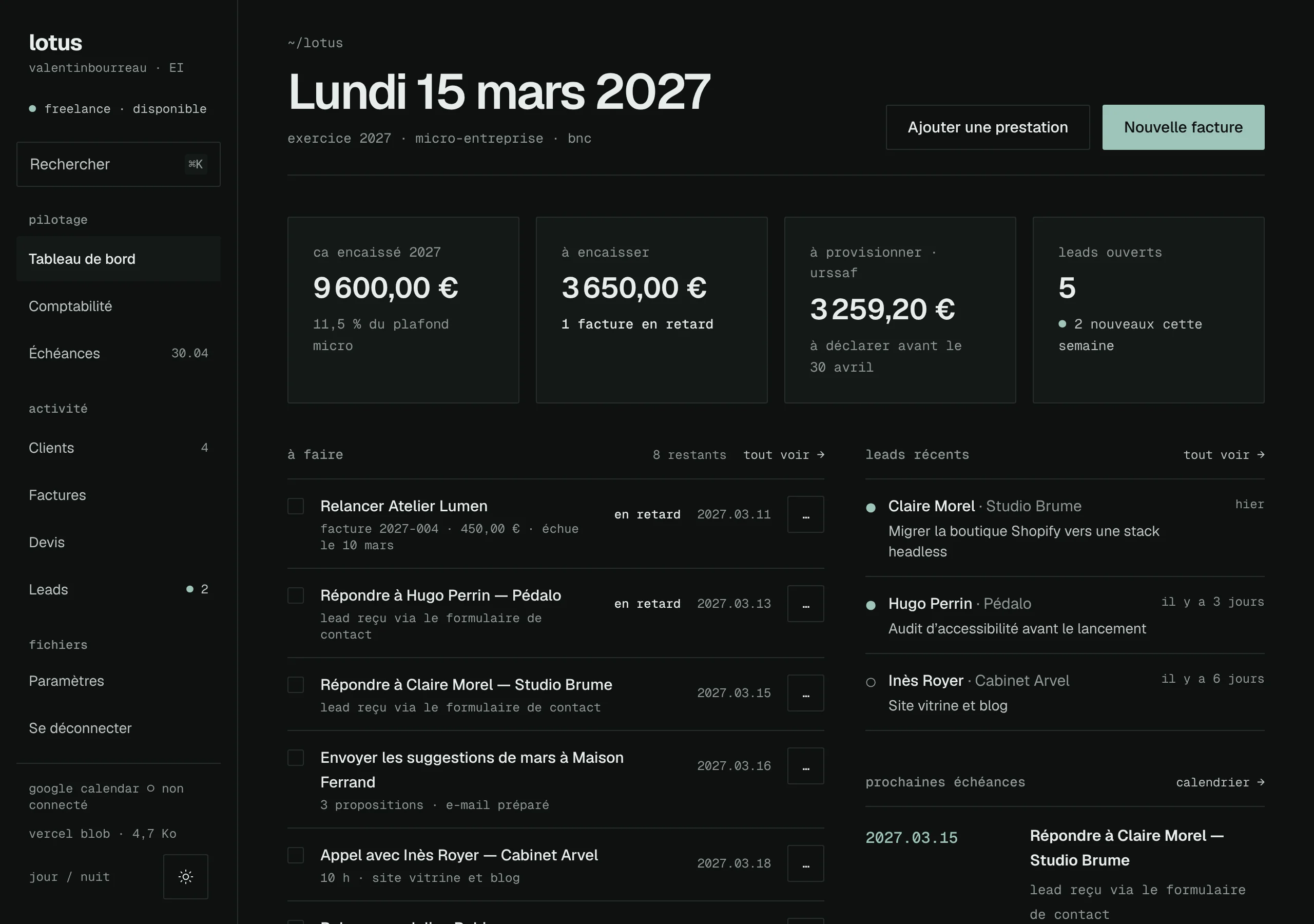
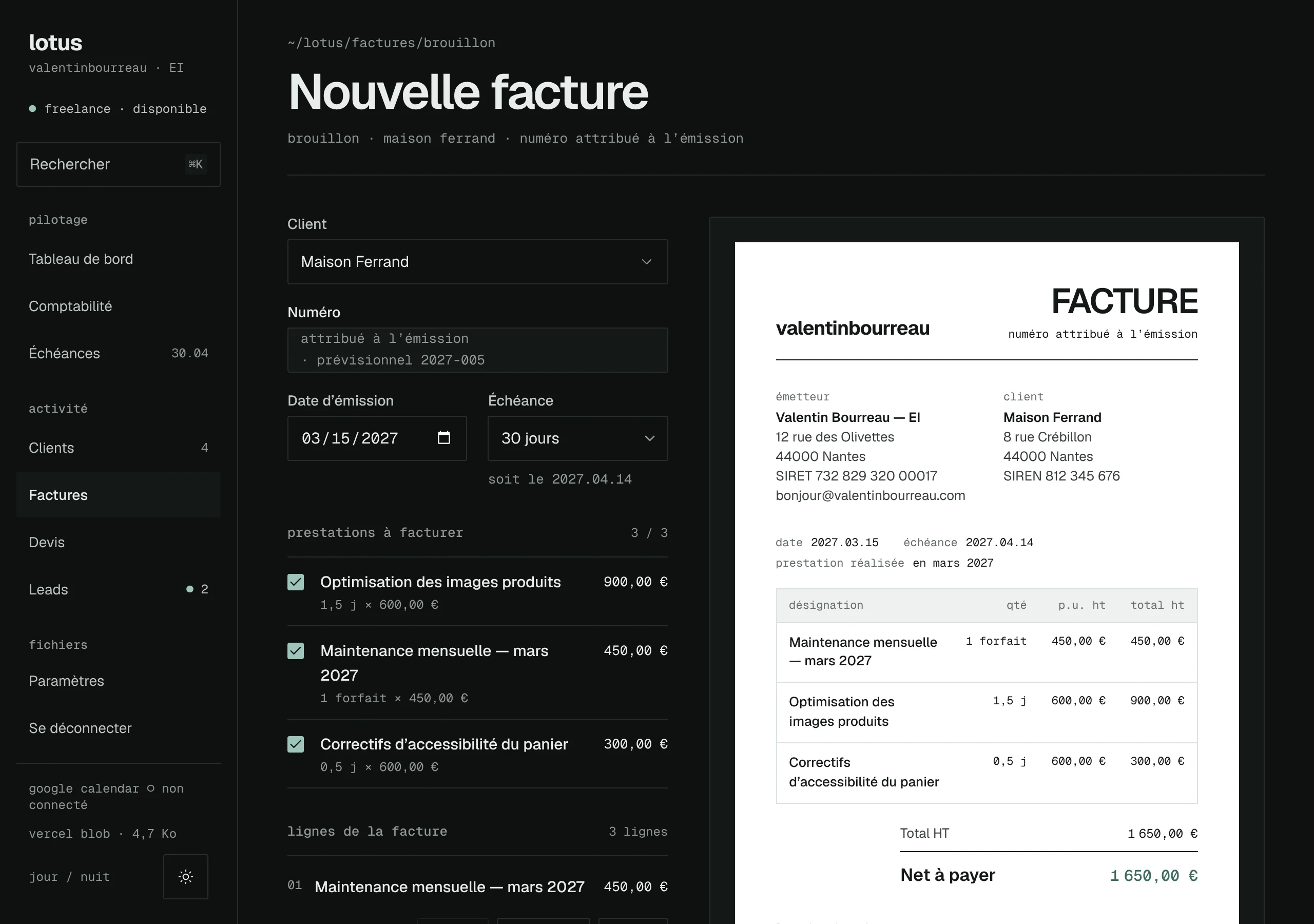
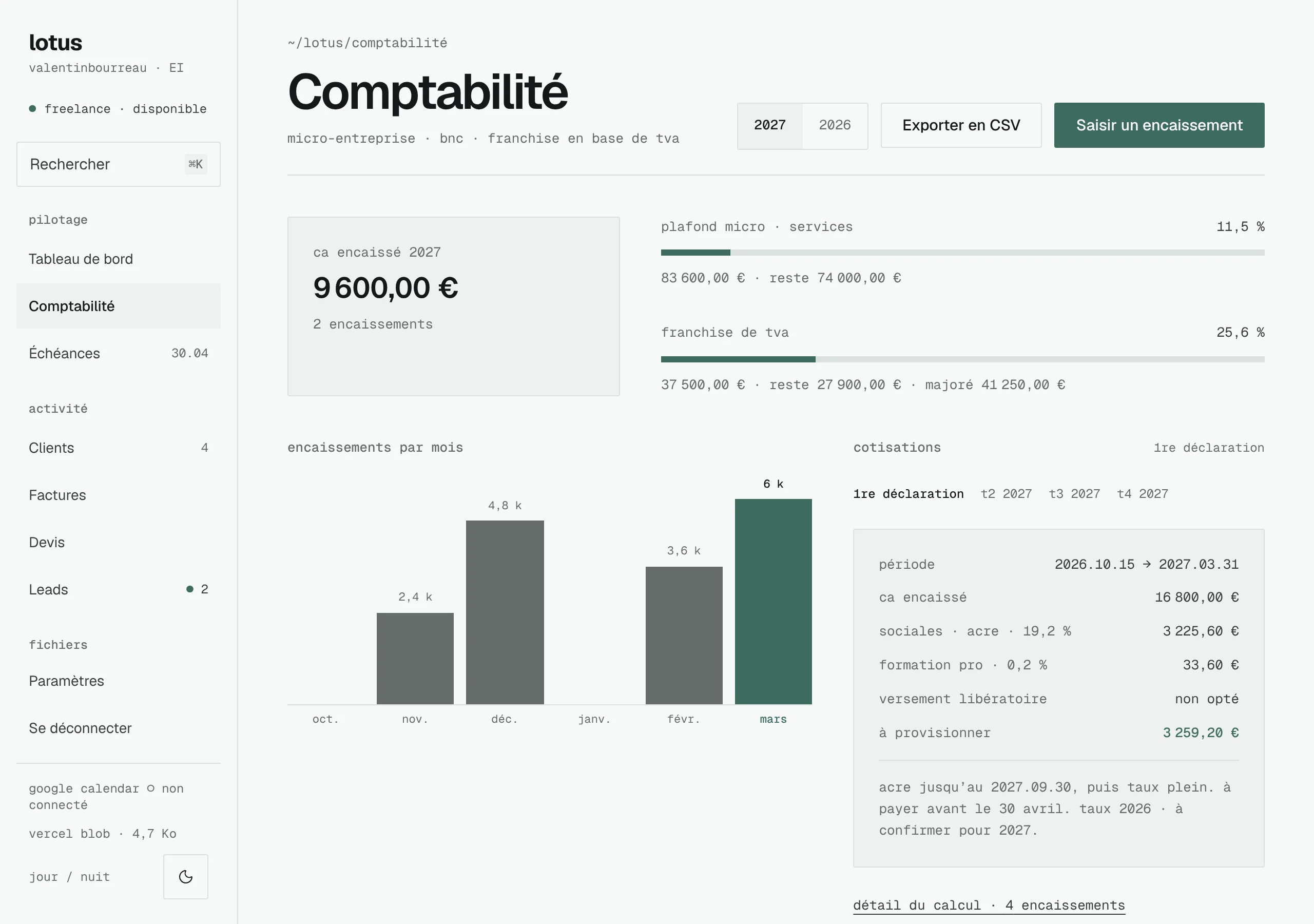
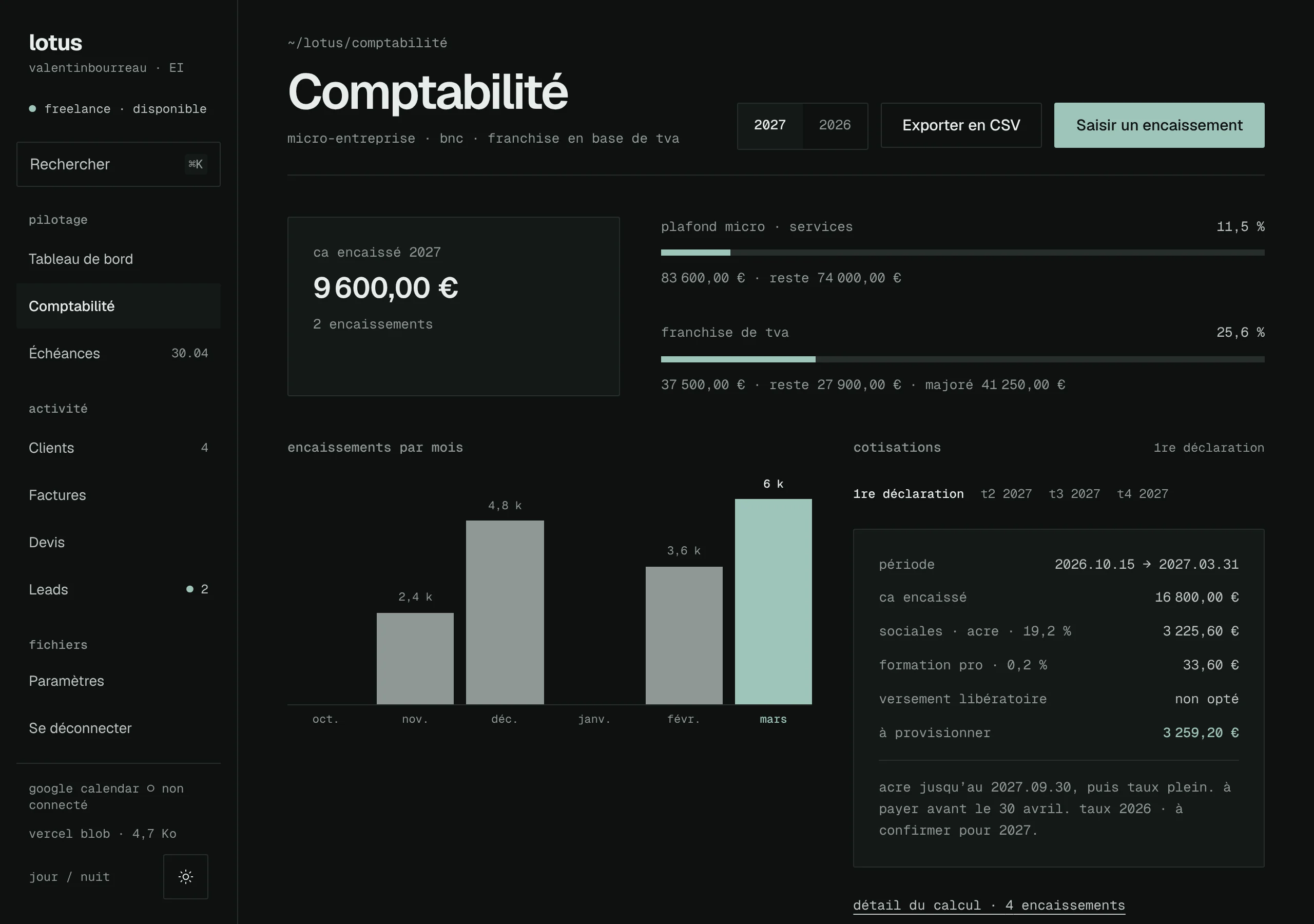
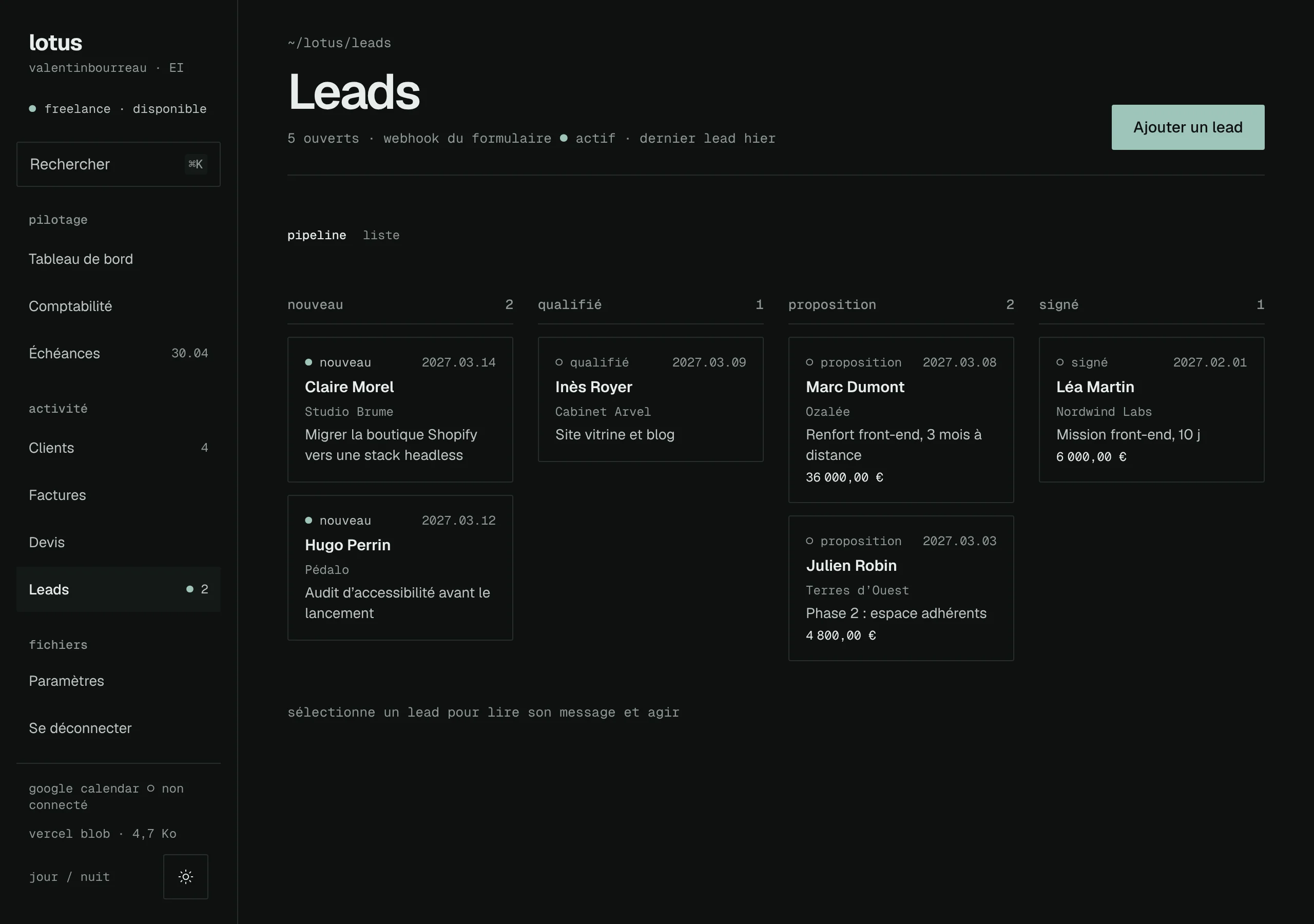
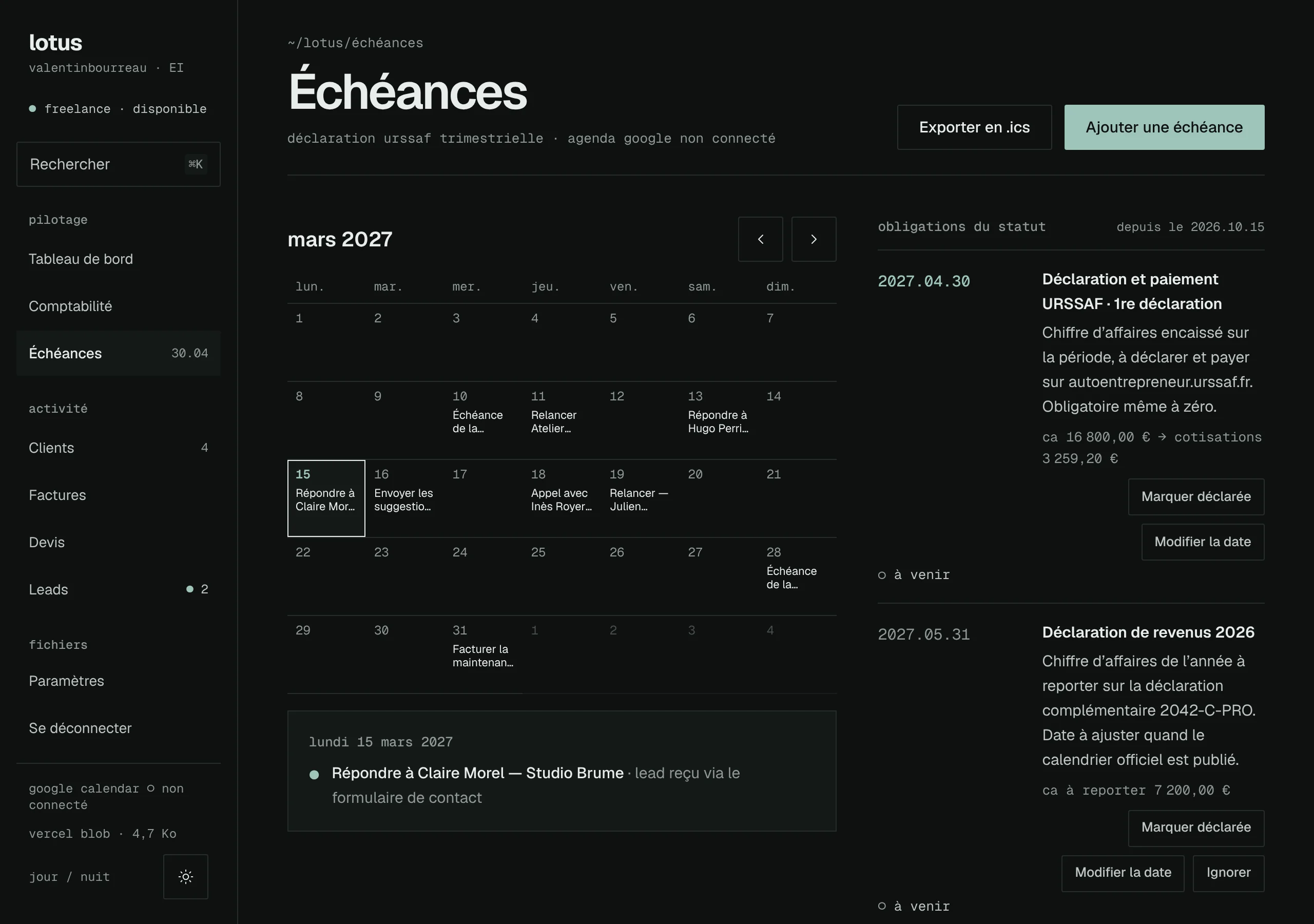
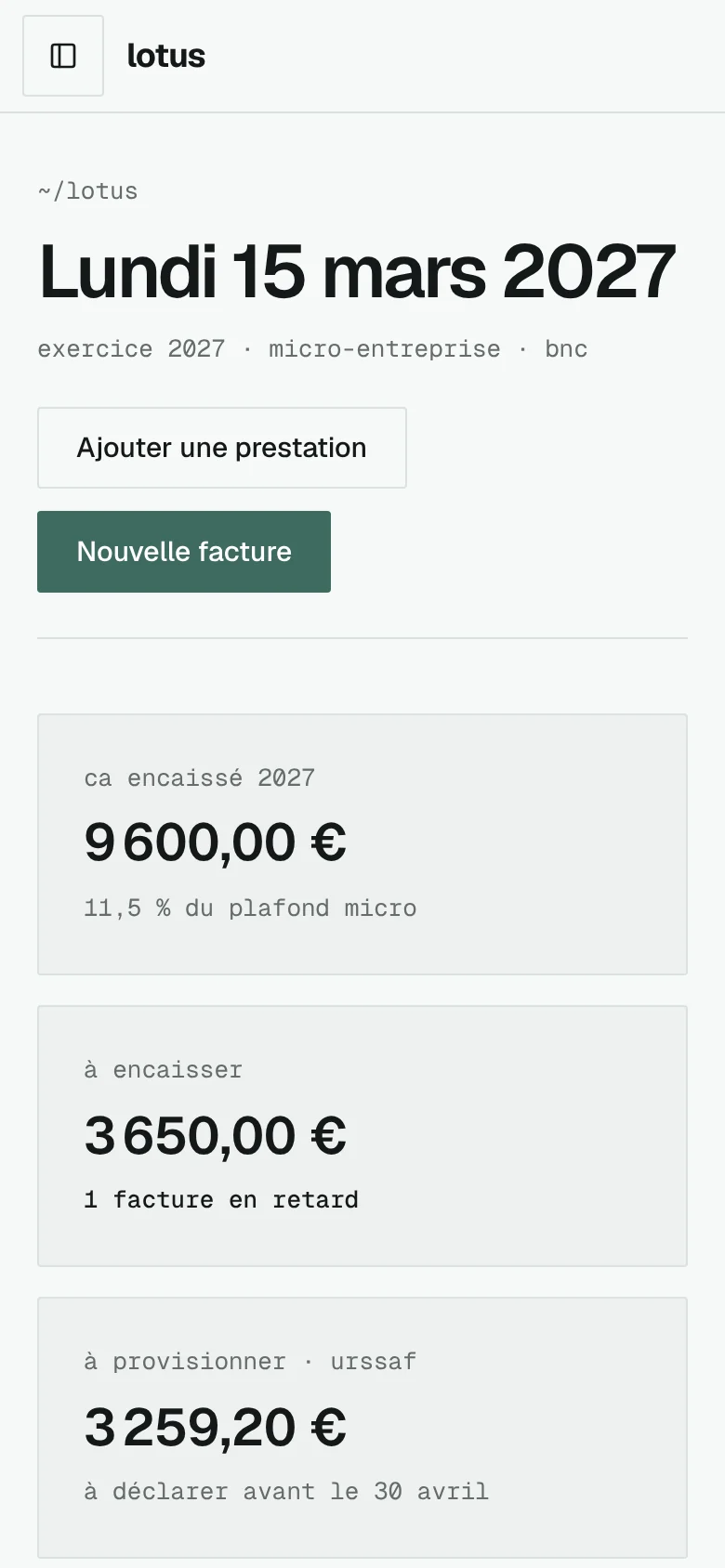
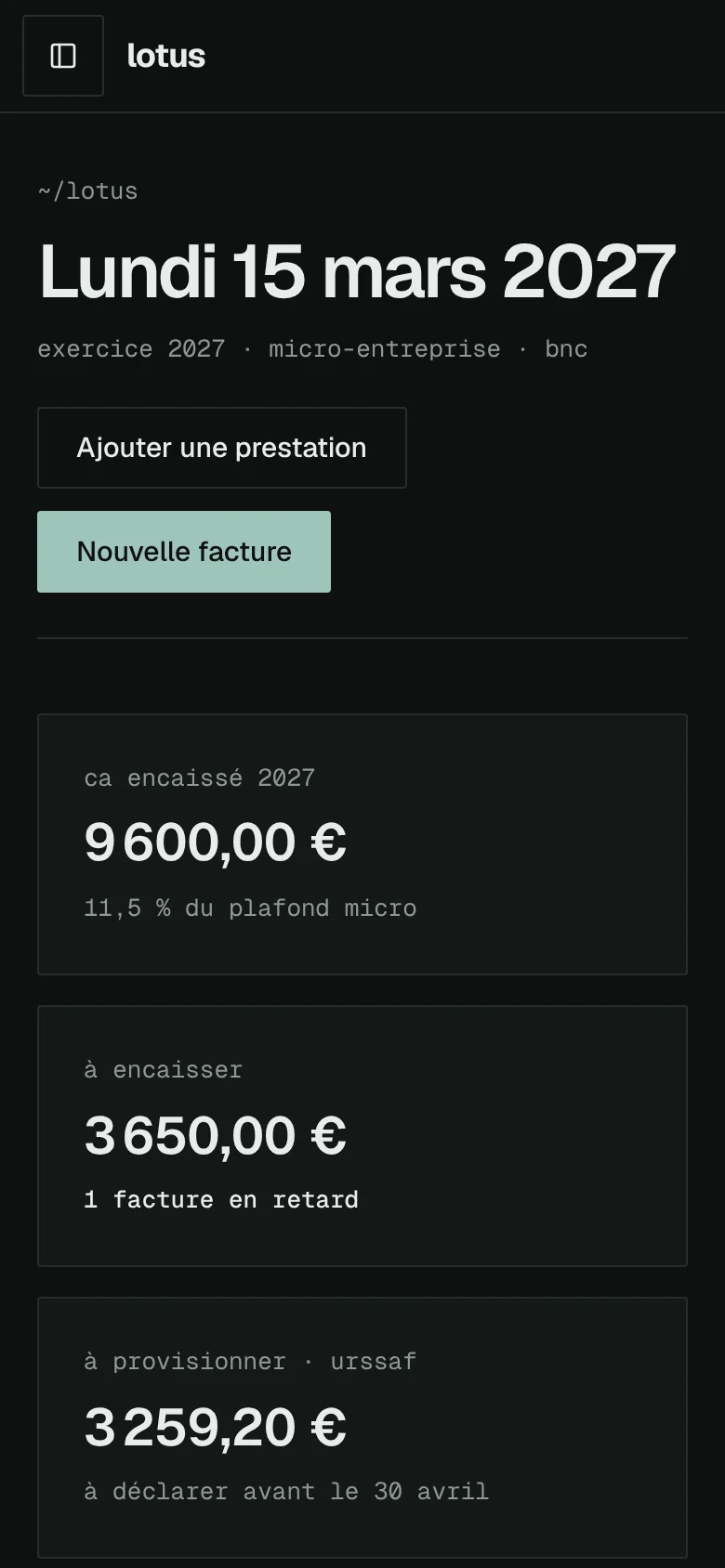
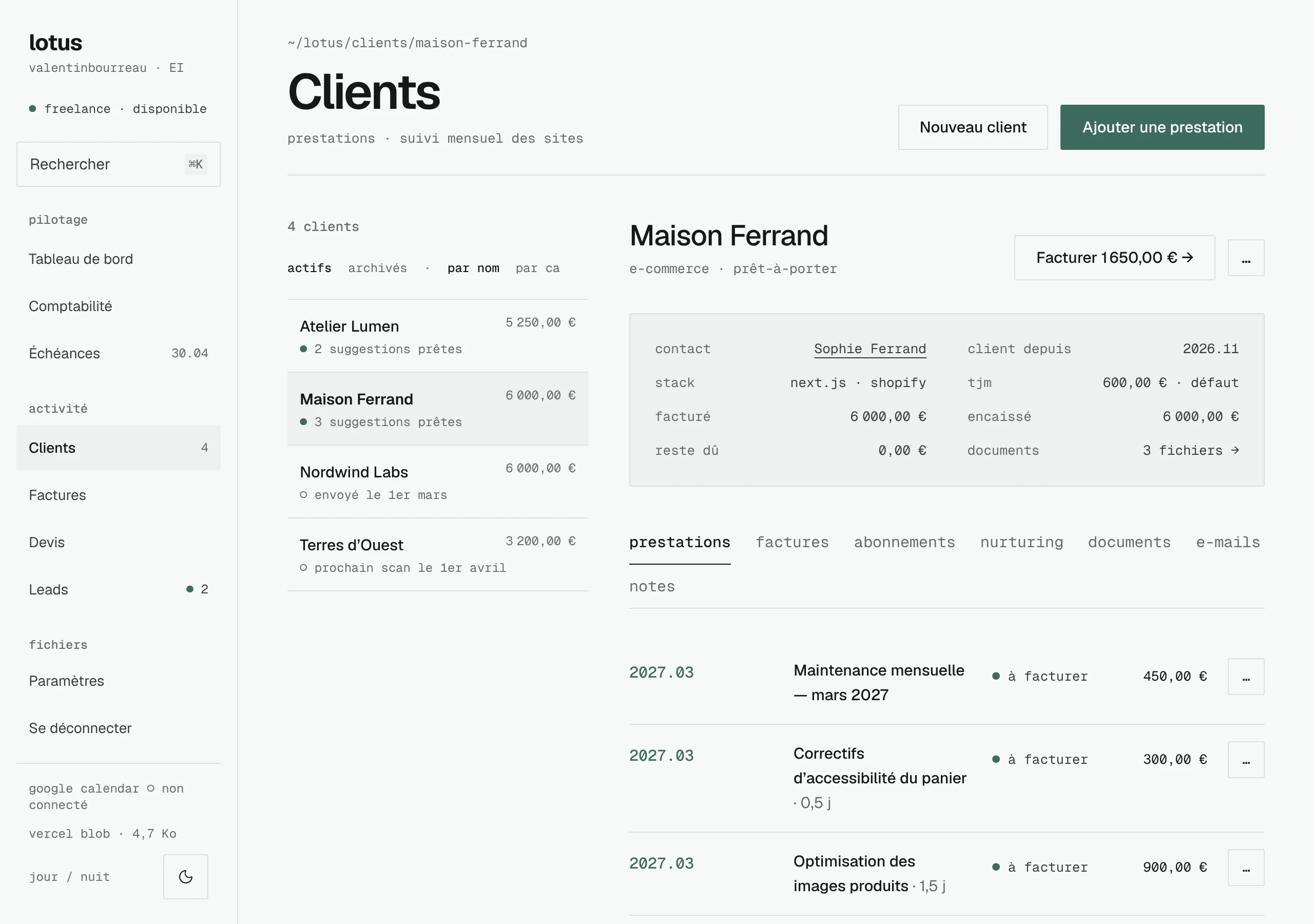
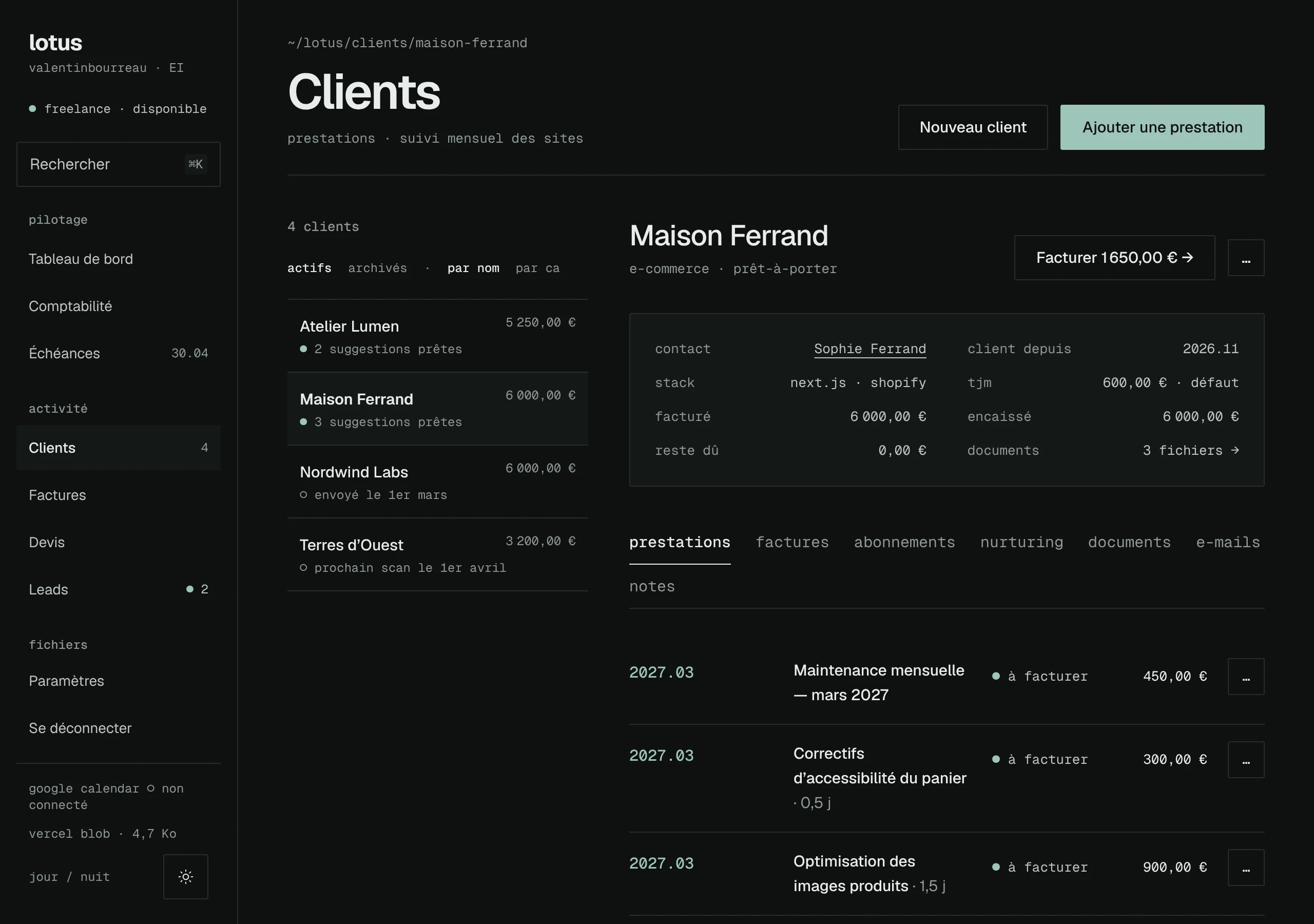
Seven screens, a sidebar that becomes a drawer on a phone, a day mode and a night mode.
- dashboard
- Revenue collected, what is still to collect, what to set aside for URSSAF, the current tasks, the latest leads.
- accounting
- Revenue ledger, micro-enterprise ceiling, VAT exemption, contributions detailed line by line, CSV and PDF exports, yearly archive.
- deadlines
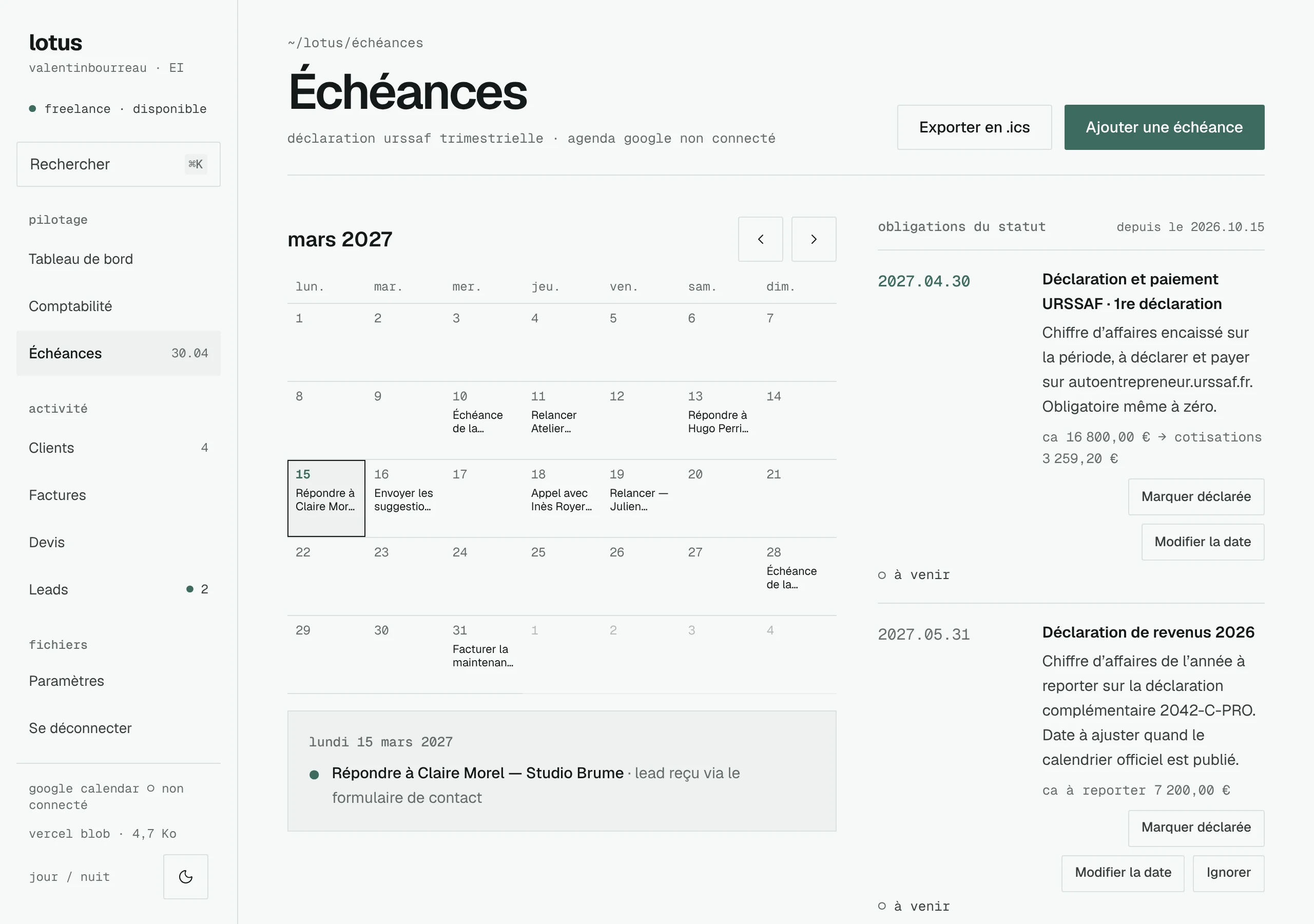
- Calendar of the month, upcoming declarations, tasks, sync with Google Calendar.
- clients
- Client record, services to invoice, maintenance subscriptions, email history, suggestions of the month.
- invoices
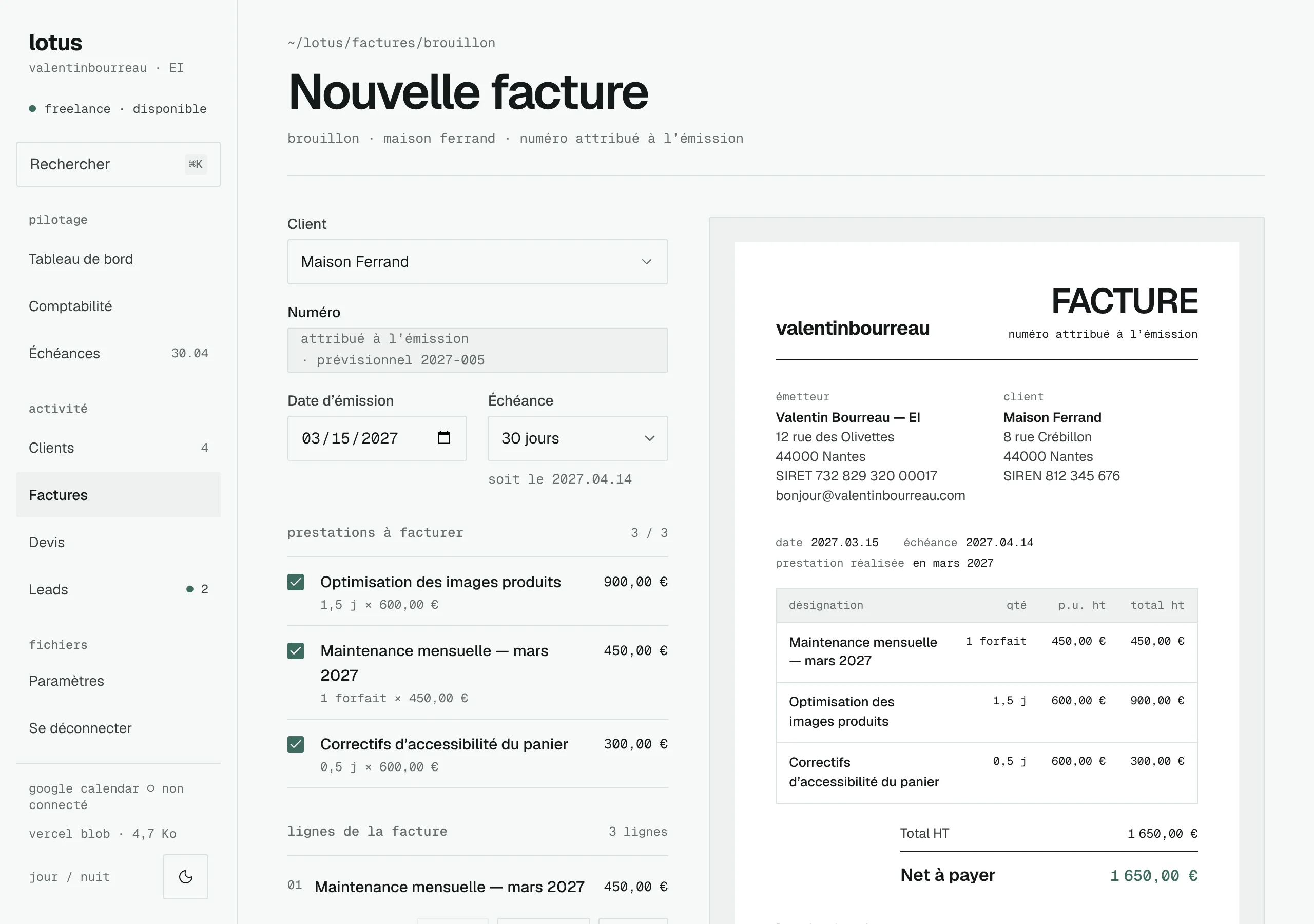
- Generator based on services, a preview faithful to the PDF, sending, payments, reminders, credit notes and quotes.
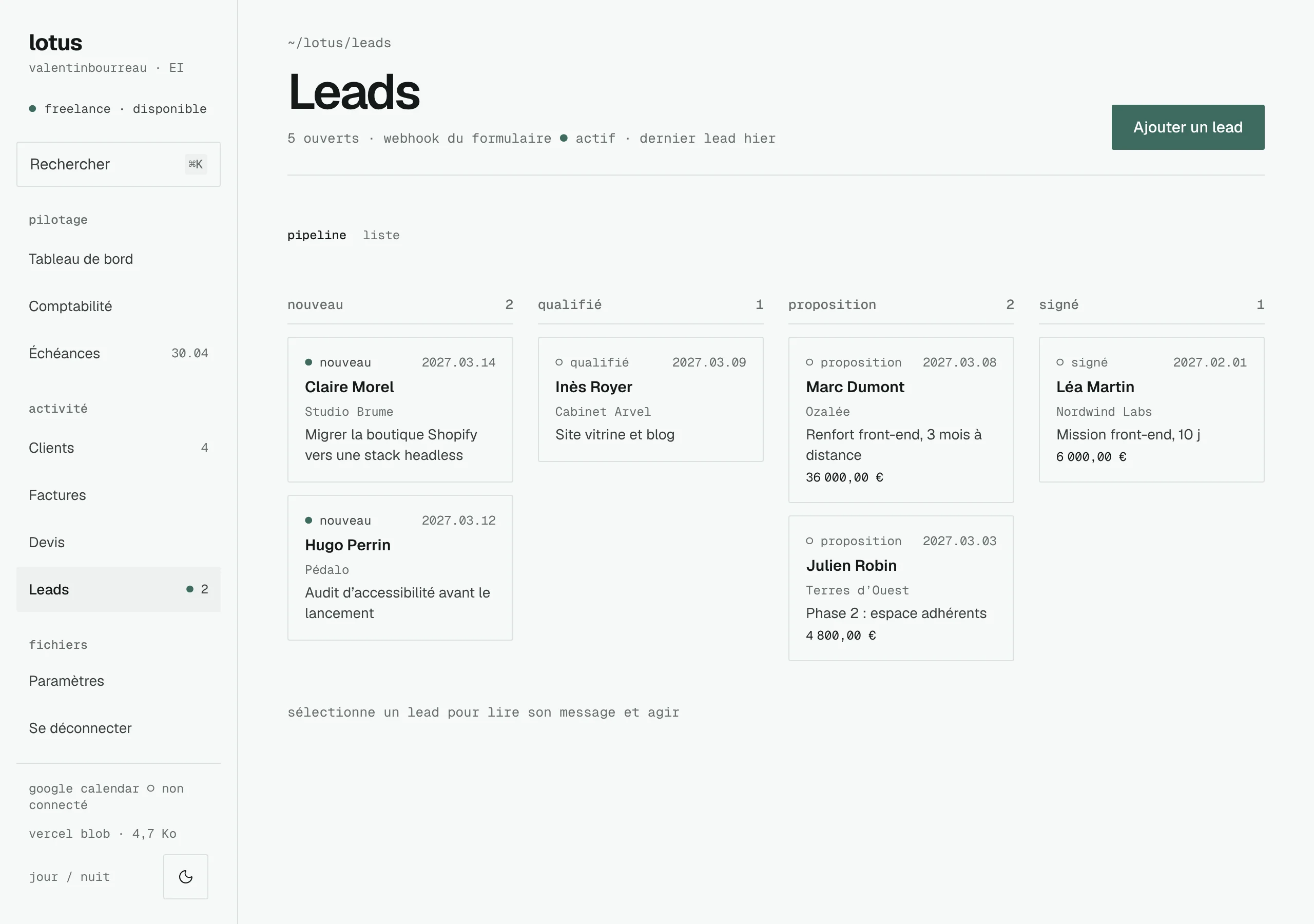
- leads
- Requests from the form on my site, in a pipeline, up to conversion into a client.
- documents
- Presentations, proposals, audits, contracts and generated PDFs, filed and shareable through a link that expires.
03 · architecture
The architecture
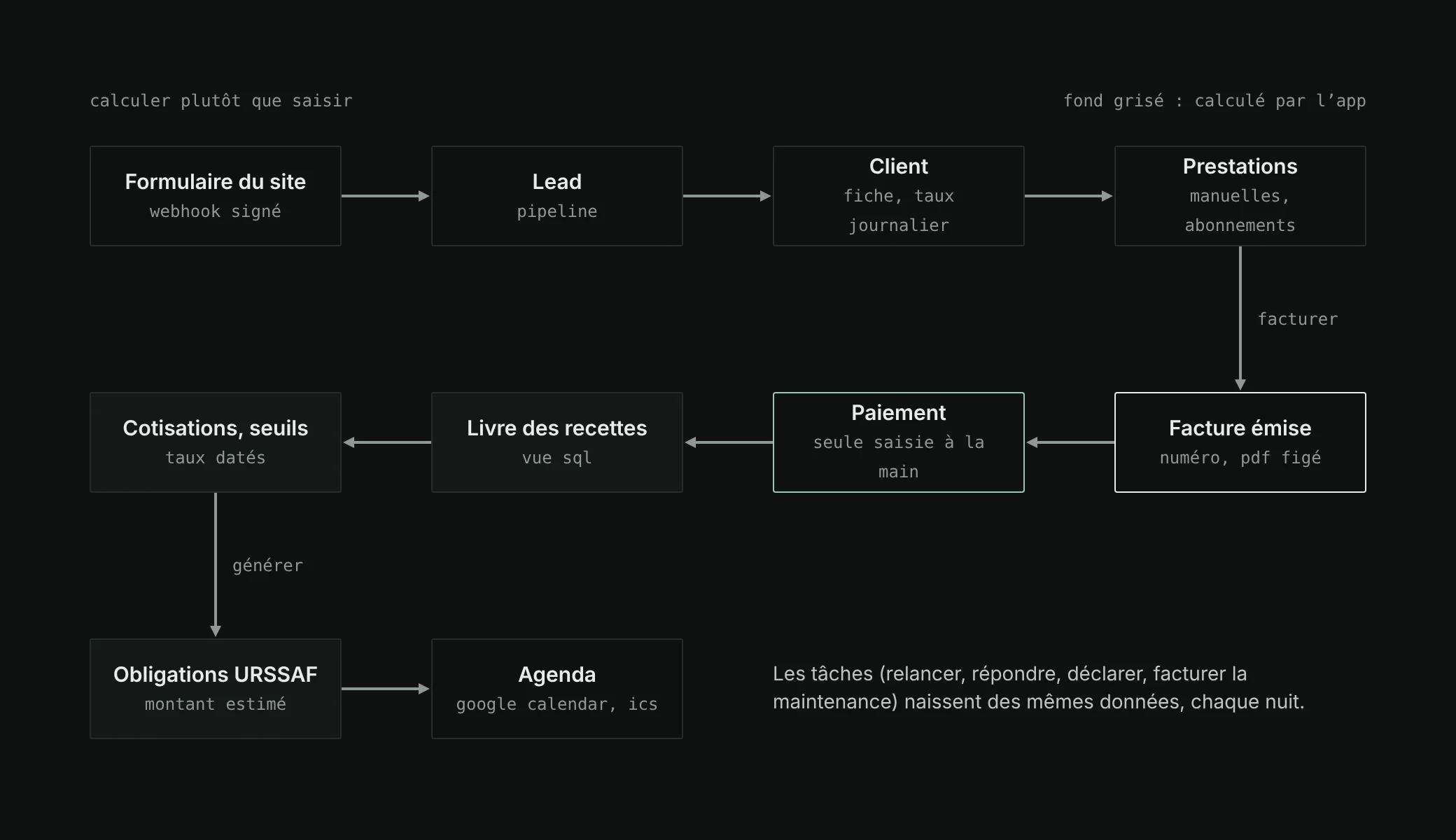
The “compute rather than type” principle shapes the whole app. There is almost only one thing I type by hand: the date and the amount of a payment received. Everything else follows from it.
A Next.js app, one folder per feature
Server Components by default, Server Actions to write. Each feature has its folder: the reads, the actions, their Zod schemas, its components. Every action follows the same path: session checked, input validated, a transaction when several tables are touched, an audit log for everything related to accounting, a typed result.
src/
├─ app/(app)/        protected screens: /, /comptabilite, /factures…
├─ app/api/          leads webhook, crons, pdf, ics, exports
├─ features/         clients, invoices, accounting, obligations,
│                    calendar, leads, nurturing, documents…
├─ lib/fiscal/       dated rates and thresholds, contributions, deadlines
├─ components/ui/    shadcn/ui, adjusted to my visual identity
└─ components/pdf/   invoices, quotes, revenue ledger
| topic | chosen | why |
|---|---|---|
| Database | Neon in production, PGlite everywhere else | A real Postgres compiled to WebAssembly: development, tests and CI run without Docker or a Neon account, with the same code. |
| Sign-in | Better Auth, Google, a single account | No public sign-up; the same Google account gives access to the calendar. |
| Interface | shadcn/ui, theme rewritten | Accessible components whose code I own, brought back to my visual identity: 2 px radius, no shadow, glyphs rather than icons. |
| Files | Vercel Blob in private mode | No file address ever reaches the browser; everything goes through a route that checks the session. |
| Background jobs | Three crons: daily, weekly, monthly | Each step can be replayed without duplicates, thanks to a deduplication key per item. |
04 · invoices
Invoicing without mistakes
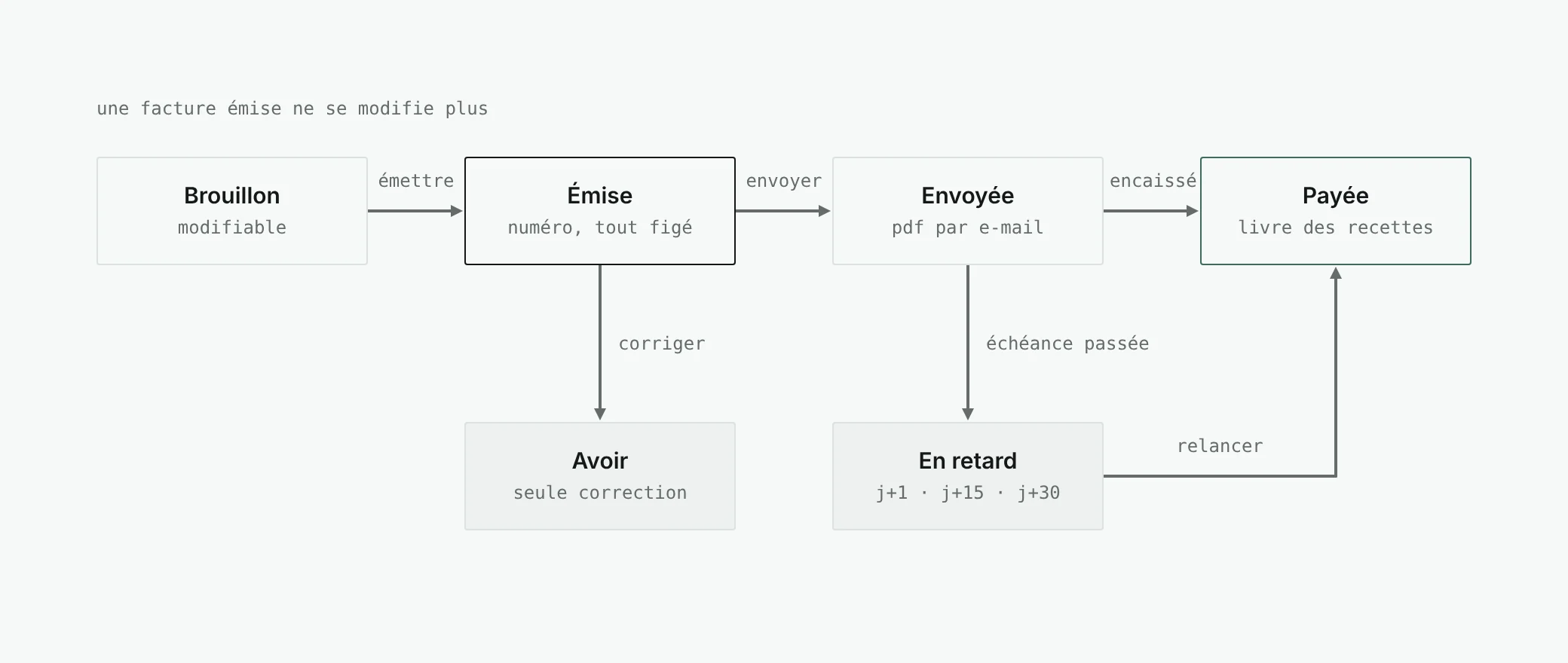
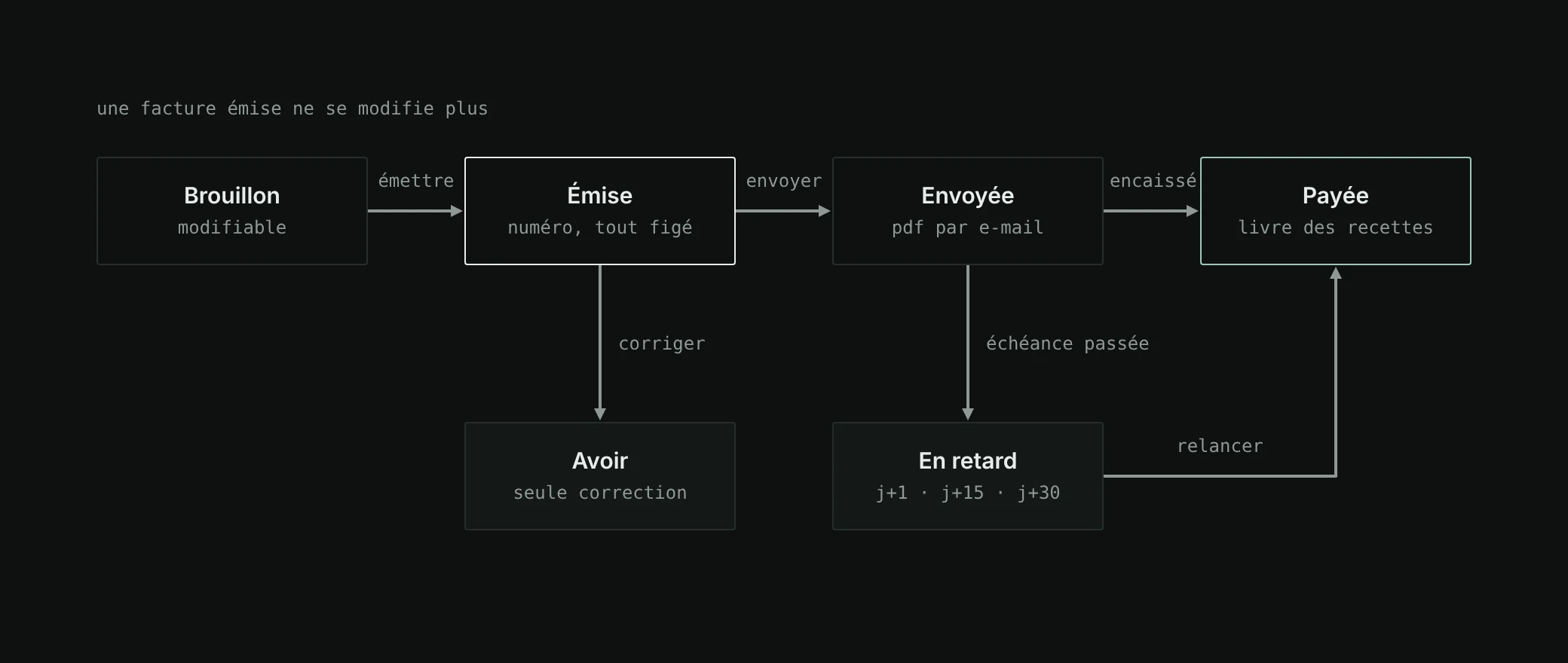
An invoice is a legal document: a number that follows on without gaps, mandatory mentions, amounts that no longer move once sent. It is the part where a mistake costs the most, and the one where the code is the strictest.
- Money in whole cents.
Never a floating-point number. Rounded to the cent, half up, line by line.
- A number without gaps or duplicates.
Assigned when the invoice is issued, in a transaction that locks the counter of the year. A test starts two issues at the same time and checks that they get two consecutive numbers.
- Everything is frozen when issued.
My identity, the client’s, my bank details and the legal mentions are copied into the invoice: changing address tomorrow does not rewrite yesterday’s invoices.
- What I see is what the client gets.
A single display model produces every string; the HTML preview and the PDF only lay them out.
- Reminders are tasks.
At D+1, D+15 and D+30 after the due date, a “Send a reminder” task appears, and closes on its own when the invoice is paid.
French micro-typography calls for a narrow no-break space in “1 200,00 €”. Geist does not have that glyph: in the PDFs, it is replaced by an ordinary no-break space. The kind of detail you only find out when printing.
05 · deadlines
URSSAF in my calendar
The most important working rule of the project fits on one line: never guess a tax rule. Rates and thresholds live in a single file, each with its validity date, and are tested. A year that is not covered reuses the latest known version and says so: “2026 rate · to be confirmed for 2027”.
Never guess a tax rule.
Every night, a cron generates the obligations of the next fifteen months from my settings: quarterly URSSAF declarations, income tax, CFE (the French business property tax). The estimated amount of a declaration is computed again from the revenue ledger as long as it has not been filed. An obligation once declared no longer moves.
It does not follow the rhythm of the next ones. For an activity started on October 15, 2026, the spec computes a first period up to March 31, 2027, to be declared before April 30. Both dates remain editable: URSSAF has the last word.
These deadlines, the due dates of invoices and my dated tasks go to a “lotus” calendar in my Google Calendar, with the narrowest possible scope: the app only sees the calendar it created. A token-based ICS feed, which can be regenerated, does the same for any other calendar.
On the ceilings side, the invoice generator shows the effect of the amount before I issue it: share of the micro-enterprise ceiling, and an alert if the invoice would push revenue over the VAT exemption threshold.
06 · leads
From the form to a loyal client
The contact form of my site and lotus are two separate applications. The contract between them is written once, in a document that is authoritative for both repositories. The starting rule: a lead is never lost because lotus is unavailable.
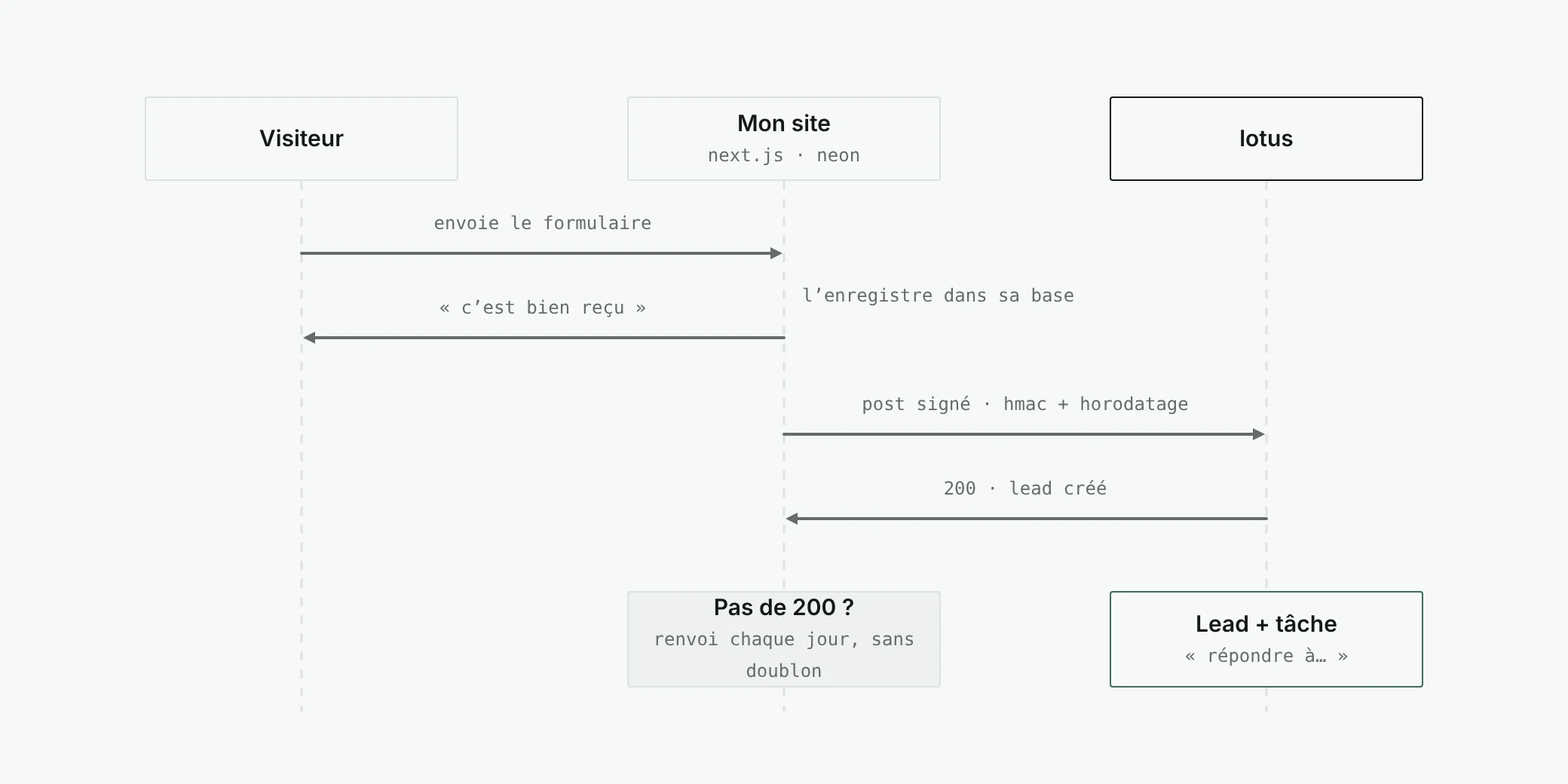
The request is signed with HMAC SHA-256 over the timestamp and the exact body; lotus refuses a gap of more than five minutes, compares the signature in constant time and never says why it refuses. An identifier provided by the site serves as an idempotency key: sending again never creates a duplicate. The lead arrives with a “Reply to…” task.
Then, once a month, nurturing
On the 1st of the month, lotus runs my clients’ sites through PageSpeed Insights. Thirty rules turn the results into suggestions priced at my daily rate: optimise the images, update a framework, fix a keyboard journey. The Claude API writes the email of the month from those suggestions. I remove some, add some, proofread, send.
Only the company, the site address, the industry, the stack and the scan results leave the app: no contact name, no email. An accepted suggestion becomes a service, which will become an invoice line. The loop is closed.
07 · security
A private app on the Internet
Bank details, revenue, lead data: an app for a single person, but exposed to the world.
- A public surface that is listed, in full.
Sign-in, legal pages, signed webhook, crons behind a secret, token-based ICS feed, share links. Everything else requires a session checked on the server, and a test checks it module by module.
- Share links that give nothing away.
A 32-byte token of which only the hash is stored; expired, revoked or unknown, the answer is the same: “This link has expired.”
- Invisible to search engines.
Strict headers on every route, and nothing indexable.
- One backup a month. Two years kept, on top of Neon’s point-in-time restore.
One trade-off is accepted and written down: the content security policy does not use a nonce, because a nonce forces dynamic rendering of every page and breaks the partial prerendering of Next.js 16. The rest of the policy is strict.
08 · method
Built in twelve phases
lotus is the first project I ran this way, just before pensee. A complete specification first: vision, architecture, data model, business rules of the micro-enterprise, the visual identity applied to shadcn/ui, twelve features with their acceptance criteria, a Drizzle schema and reference tax rules, and the screen mock-ups. Then development, phase by phase.
Each phase ends with a build, a lint and green tests, and a commit. Two files hold the project’s memory: the progress status, to pick up again after a break, and a decision log, where every gap from the spec is recorded with its reason. It holds forty-seven of them.
- 2 days
- 42
- ~25,000
- 390
- 47
The tests run on PGlite, without any real service: Vitest for the business rules (contributions, ceilings, numbering, deadlines), Playwright for the journeys, and axe for accessibility, in day mode as well as night mode. A simulated sign-in, reserved for tests, avoids going through Google.
09 · takeaways
What I take away
- A tax rule is not guessed.
It is dated, tested, and stays editable when it is uncertain.
- Computing rather than typing removes a whole class of errors: copying errors.
- A decision log is worth a code review.
Forty-seven gaps explained is what makes it possible to revisit a choice months later without redoing it.
- Two apps that talk through a written contract.
The site and lotus each evolve on their own, without ever breaking each other.